
Exam-Day Calculator Tips: Walk In Calm, Walk Out Confident
Practical exam-day advice for students using a scientific calculator: pre-exam checks, time-saving habits, and how to recover from mistakes.

You've studied the material. You know the formulas. The thing that decides whether the last 10% of marks land in your column is how cleanly you use the calculator under time pressure. Here's the routine our most exam-tested users swear by.
The night before
Charge or change batteries. Clear any saved memory if your exam rules require it. Run through three problems of each type you'll see — one trig, one log, one statistics — to confirm your fingers remember where the keys are. Twenty minutes of warm-up the night before is worth an hour of cramming.
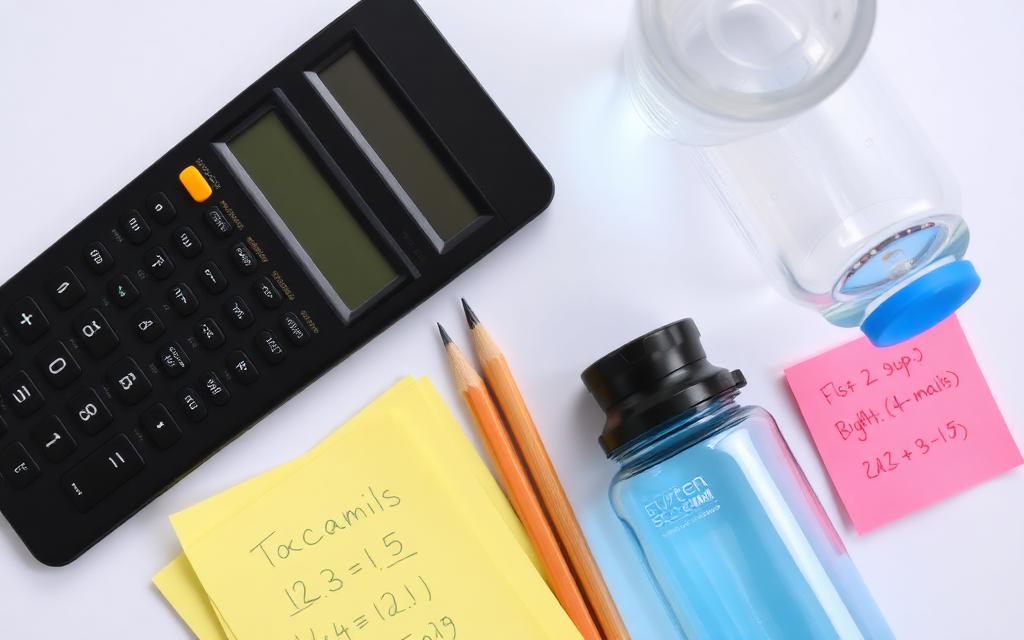
The first sixty seconds of the exam
Before reading a single question, turn the calculator on and confirm the angle mode matches what the exam is most likely to use. If it's a calculus paper, RAD. If it's a geometry or surveying paper, DEG. This single check has saved more marks than any other habit on this page.
Type long, read longer
The display on a good scientific calculator shows the full expression as you build it. Use that — glance at the expression line before pressing equals, especially for multi-step problems with nested parentheses. A two-second re-read costs almost nothing and catches the silly mistakes that would otherwise cost you a whole question.
The Ans key is your time machine
When you make a small mistake on step 3 of a five-step problem, you don't have to restart. The Ans key holds your most recent result; previous answers can be recalled with the up-arrow on most calculators. Practice this before the exam so it feels automatic when adrenaline is high.
When the answer "feels wrong"
Trust the feeling. If you're solving for the volume of a soda can and get 4000 litres, something is wrong — usually a unit mismatch or a misplaced decimal. Re-enter the expression slowly, watching the units, before second-guessing your method.
A pre-exam practice routine
For the week before the exam, spend ten minutes a day on the Scientificalc scientific calculator working random mixed problems. The goal isn't to learn new material — it's to make the key combinations so familiar that your fingers don't think about them during the exam. That mental bandwidth is much better spent on the math itself.
The final habit
After every answer, write down what units and rough magnitude you expected. If the calculator agrees, move on. If it doesn't, you've caught the error before it costs you. This single habit, practiced consistently, is the difference between a student who knows the material and one whose paper actually reflects it.
What to do if the calculator fails mid-exam
It happens — a battery dies, a key sticks, the display freezes. Don't panic. Most invigilators carry spares; raise your hand and ask quietly. While you wait, switch to questions that need less computation: definitions, proofs, derivations. Coming back to the arithmetic-heavy questions after the swap costs you a couple of minutes, not the whole paper. Practising the Scientificalc scientific calculator on a phone or laptop the week before gives you a backup workflow if your physical calculator is the one that fails.
Time budgeting per question
Divide the total exam minutes by the number of marks, then double-check that you're not blowing the budget on any single question. If a six-mark calculation is eating twelve minutes, flag it, move on, and return at the end. The calculator is fast; what's slow is staring at a problem you've already set up wrong. Recognising that moment and moving on is the single biggest time-management lesson in any exam.
Practice exams beat practice questions
Doing past papers under timed conditions trains a completely different skill than doing the same questions one-at-a-time from a textbook. Your calculator habits get stress-tested. Mode mistakes, parenthesis slips and rounding errors that never appear in homework show up under the clock. Run at least two full past papers before the real one, ideally with the same calculator you'll bring in.
After the exam
Write down any calculator hiccup that cost you time so you can drill it before the next paper. The students who improve most between exams aren't the ones who study hardest — they're the ones who keep a short list of fixable mistakes and actually fix them. Open the Scientificalc scientific calculator, replay the question, and find the keystroke that would have saved you. That ten-minute review compounds across a semester.
Try it yourself
Open the Scientificalc scientific calculator and work through the examples above — no install, no sign-up.