
Scientific Notation Made Painless: Big Numbers, Tiny Numbers, One Calculator
Learn scientific notation on a scientific calculator: the Exp key, arithmetic with very large and very small numbers, and how to read the display.
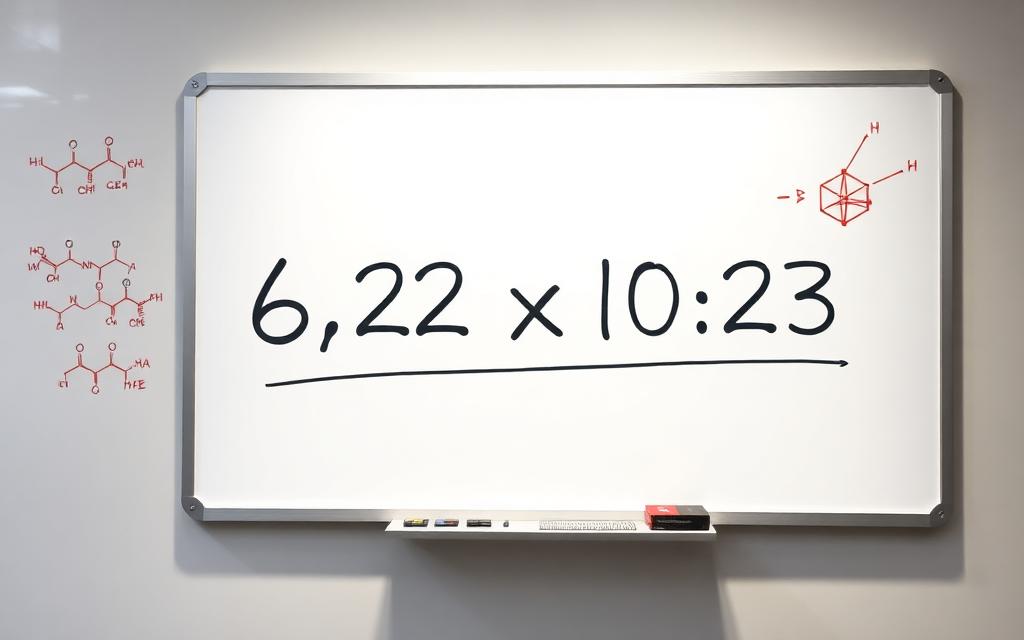
Chemistry, physics and astronomy run on numbers that are either too big or too small to write out comfortably. Scientific notation is how we keep them readable, and a scientific calculator handles it natively — once you know which key does what.
The Exp key (sometimes EE or ×10ⁿ)
To enter Avogadro's number 6.022 × 10²³, press 6.022, then Exp, then 23. The calculator stores it as a single number — you don't need to type the ×10 yourself, and you definitely don't want to type 6.022*10^23 if you can avoid it (it works, but it's slower and easier to mistype).
Reading the result
If a calculation overflows the display, the answer will come back in scientific notation automatically. 1.5E12 means 1.5 × 10¹², or 1,500,000,000,000. The E (or small superscript) replaces "×10". Some calculators use a tiny ×10ⁿ symbol instead; they all mean the same thing.

Arithmetic with very small numbers
The mass of an electron is 9.109 × 10⁻³¹ kg. Type 9.109, Exp, (-)31 — using the negation key, not subtraction. Now you can multiply, divide and add it to anything else without losing precision. To find how many electrons weigh one gram, type 0.001 / (9.109 Exp -31).
Why this beats writing the zeros
Typing 0.0000000000000000000000000000009109 is error-prone and slow. Even worse, you'll lose precision when the calculator truncates the display. Scientific notation keeps the significant digits and the magnitude as separate quantities, which is exactly how the underlying physics treats them.
A worked example: photons
The energy of a green photon (wavelength 550 nm) is E = hc/λ. With h = 6.626 × 10⁻³⁴ and c = 3 × 10⁸, type (6.626 Exp -34) * (3 Exp 8) / (550 Exp -9). You should get about 3.6 × 10⁻¹⁹ joules. The Scientificalc scientific calculator handles each magnitude in its own term, so the answer comes out clean.
One small habit that prevents most errors
Always wrap each scientific-notation number in parentheses when it's part of a larger expression. 2 Exp 3 * 5 can be ambiguous; (2 Exp 3) * 5 is unambiguous. Two extra keystrokes, zero ambiguity.
Engineering notation: a cousin worth knowing
Scientific notation always normalises to a single digit before the decimal. Engineering notation forces the exponent to a multiple of 3, which lines up with SI prefixes (kilo, mega, giga, milli, micro, nano). 47,000 in engineering notation is 47 × 10³ — instantly readable as 47 kΩ if you're staring at a resistor. Many scientific calculators let you toggle between modes; pick the one that matches the units you're working in.
Significant figures and display precision
A scientific calculator typically stores 12 or more digits internally but only shows 8 to 10. That hidden precision is why you should keep numbers in the calculator across steps rather than re-typing rounded versions. When you finally write the answer, round to the same number of significant figures as the least precise value in the problem — not to whatever the display happens to show.
Unit prefixes at a glance
10⁻¹² = pico, 10⁻⁹ = nano, 10⁻⁶ = micro, 10⁻³ = milli, 10³ = kilo, 10⁶ = mega, 10⁹ = giga, 10¹² = tera. Memorise this ladder once and you can convert any scientific-notation result into the appropriate engineering unit in your head.
Worked example: gravitational force
The gravitational force between two 70 kg people standing 1 metre apart is F = G·m₁·m₂/r². With G = 6.674 × 10⁻¹¹, type (6.674 Exp -11) * 70 * 70 / 1^2 to get about 3.27 × 10⁻⁷ N. That's a number you'd struggle to interpret without scientific notation — and a perfect demo of why the Exp key exists. Try it on the Scientificalc scientific calculator and change one of the values to see how sensitive the answer is.
When to leave scientific notation alone
If a problem gives you 3.0 × 10² metres, don't immediately rewrite it as 300. Keeping scientific notation throughout the calculation often makes the algebra simpler and the significant figures more obvious. Convert to plain numbers only at the very end, and only if the problem expects it.
Try it yourself
Open the Scientificalc scientific calculator and work through the examples above — no install, no sign-up.